Step 01
Build your boards
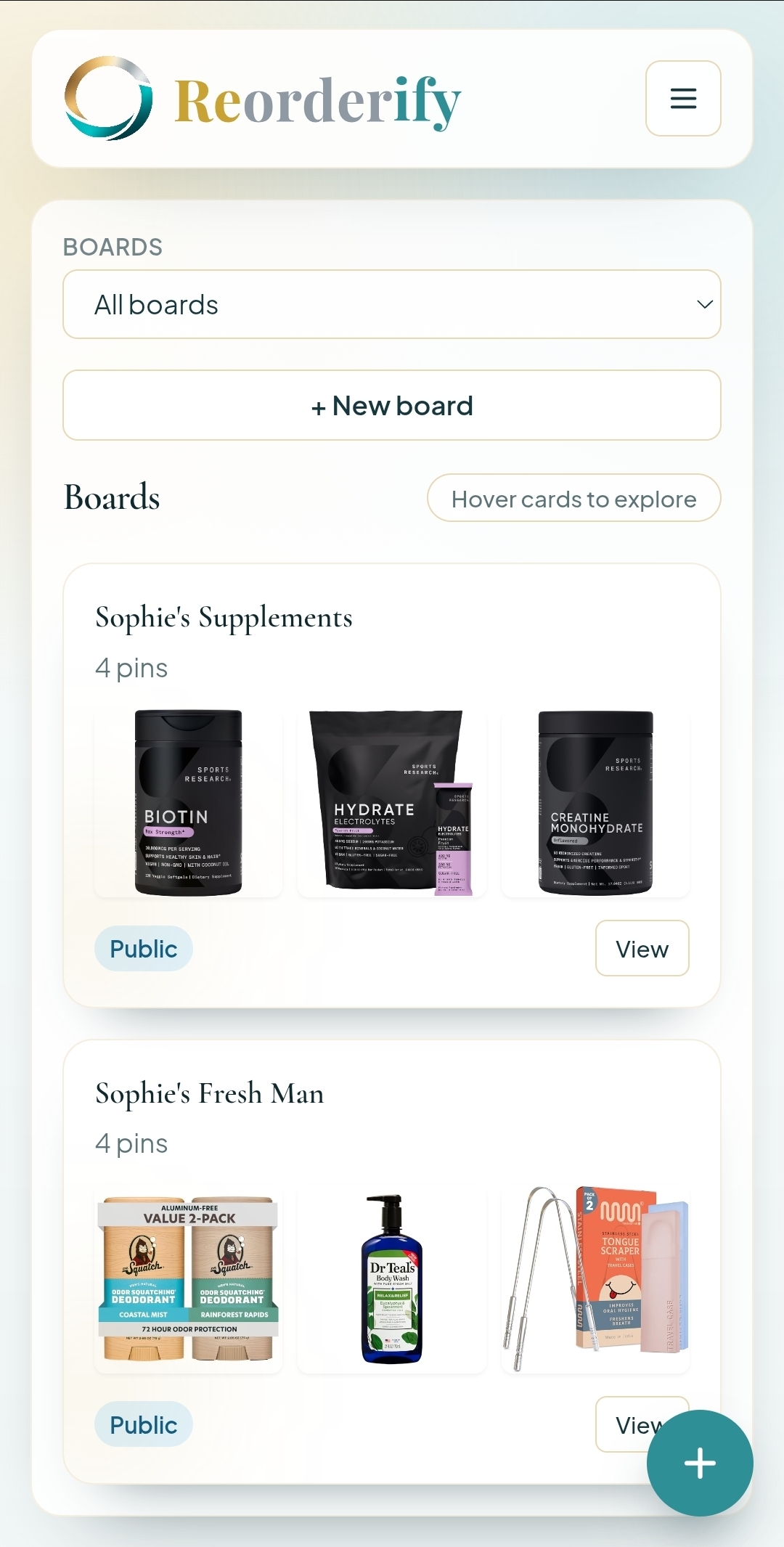
Create boards and pin your common products so your staples stay organized in one place.
 Reorderify
Built for repeat shopping
Reorderify keeps your repeat purchases organized. Sign up, use the extension to add products to boards, and reorder fast without repeating your search every time.
Build boards, queue what you need, and open an Amazon-ready cart with your staples already added.
Step 01
Create boards and pin your common products so your staples stay organized in one place.
Step 02
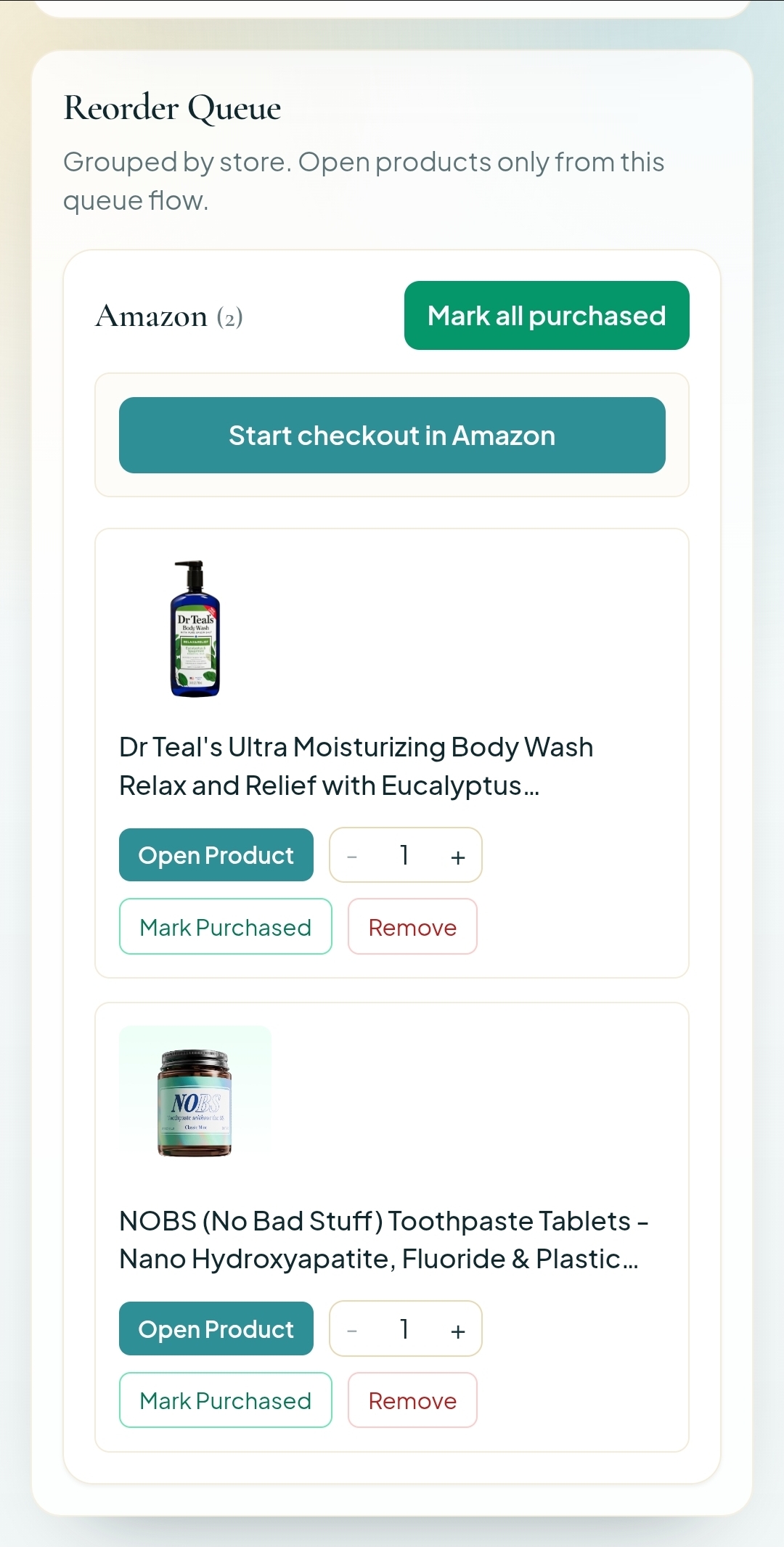
Move what you need to reorder into the queue, then send the selection to your cart when ready.
Step 03
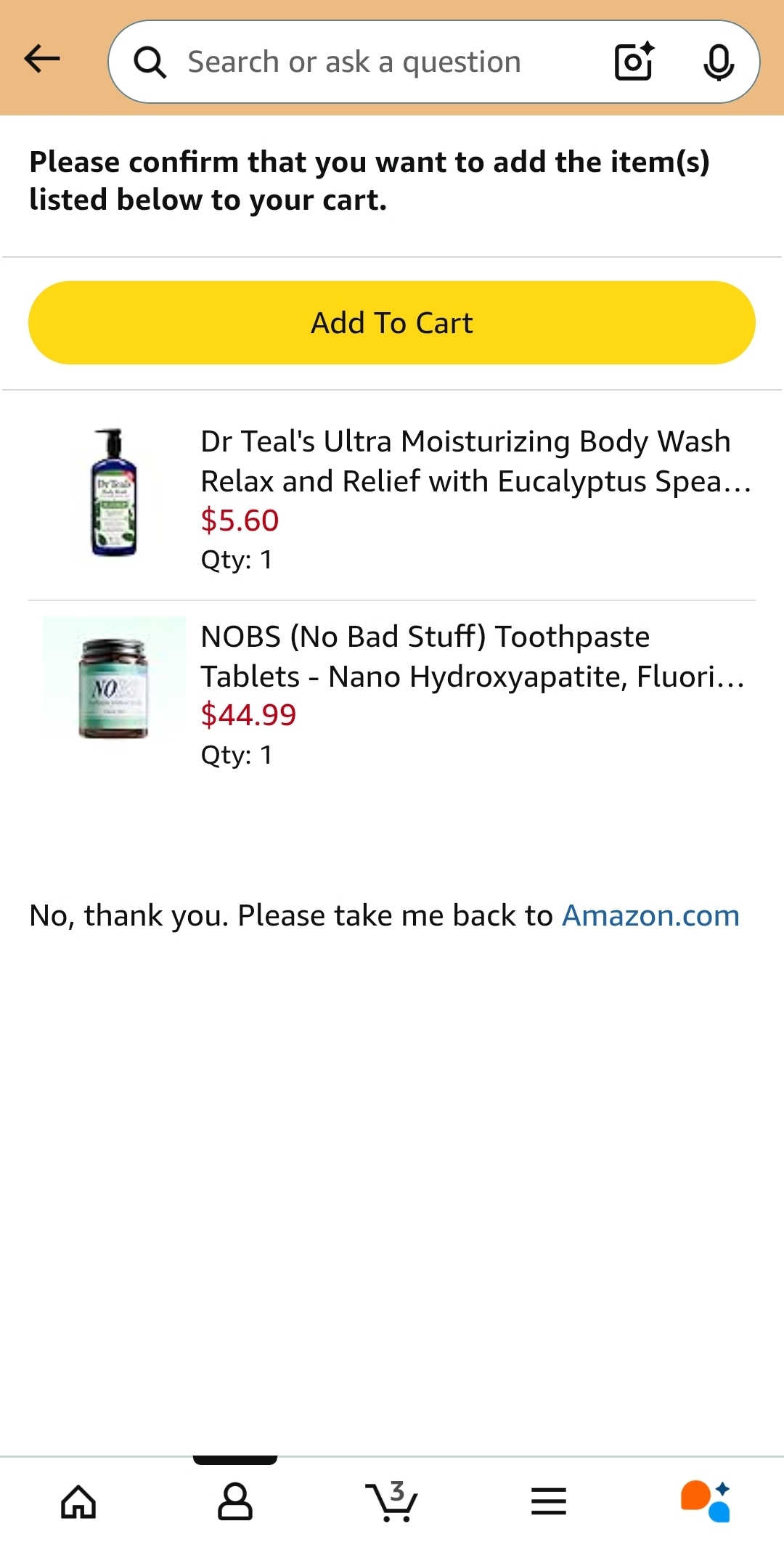
Queued products are added into Amazon cart so you can check out without re-searching essentials.
Chrome extension
Install the extension to save products directly while you browse Amazon, Target, and Sephora. Your picks sync to boards instantly so reordering stays fast.
Share your favorites
Whether you are sharing product picks with family, sending curated favorites to friends, or publishing go-to recommendations for your audience, Reorderify gives you clear control over who sees each board.
Keep personal refill boards just for you.
Share with friends and family using a direct link while keeping it hidden in-app.
Make boards discoverable so your audience can browse and save your favorites.
FAQ
Answers about pricing, saving time and money, and how Reorderify helps creators share boards with their own affiliate links.
Yes. Reorderify is free to use. You can create boards, save products, and organize repeat purchases without paying for a subscription.
Yes. Reorderify is designed to reduce re-searching and impulse add-ons by keeping your known essentials in one place, so routine shopping stays focused and faster.
Billion-dollar shopping platforms are optimized for conversion and discovery, and they are very good at getting people to spend more even with their own lists and features. Reorderify is optimized for repeat essentials and intentional reordering.
Yes. Creators can share public boards and keep their own affiliate links. Reorderify only applies its affiliate handling to unaffiliated links.
Each board can be Private, Private + Link, or Public. That gives you control over whether you are sharing with a few people or publishing to everyone.
Stop rebuilding carts from memory. Reorderify is the quickest path from saved product to checkout.